Bookkeeping has always been an important part of running a successful business. From recording daily transactions and managing invoices to reconciling bank statements and preparing financial reports, accurate bookkeeping helps business owners understand their financial position. However, traditional bookkeeping methods can take up valuable time, especially when businesses rely on spreadsheets, manual data entry and paper-based records.Today, automation is changing how businesses manage their accounts. With modern accounting software, cloud-based platforms and automated financial processes, UK businesses can reduce repetitive work, improve record accuracy and access important financial information more quickly.
Bookkeeping automation in the UK is becoming increasingly useful for small businesses, growing companies and accounting firms that want to improve efficiency while maintaining control over their finances. In this blog, we explore how automation is transforming bookkeeping, its key benefits and what UK businesses should consider when adopting automated accounting processes.
What Is Bookkeeping Automation in the UK?
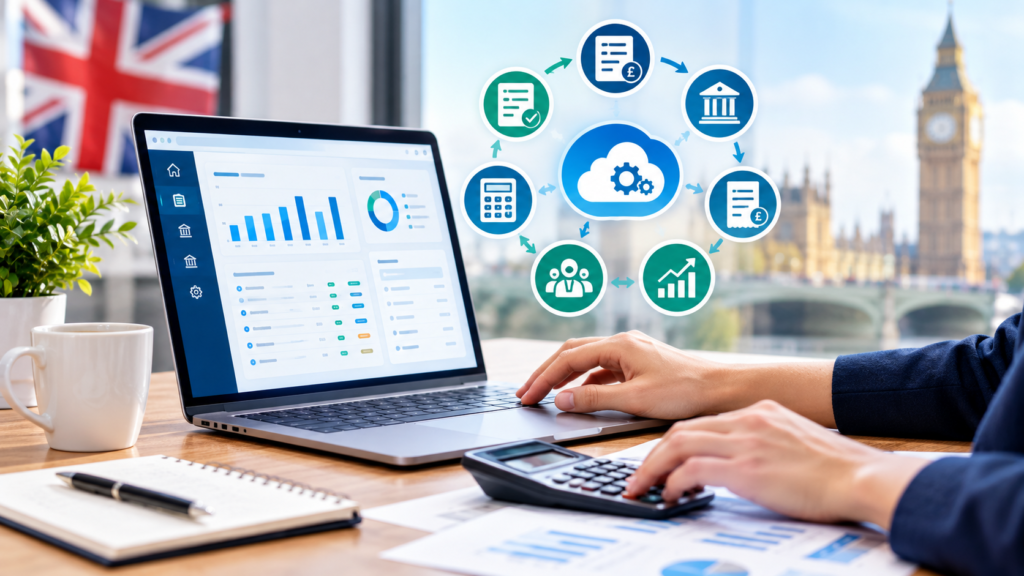
Bookkeeping automation uses technology and accounting software to complete routine bookkeeping tasks with less manual input. Instead of entering every transaction individually, businesses can use software to import bank transactions, capture invoice details, match payments and organise financial records.For example, a business that receives dozens of supplier invoices every week may previously have entered each invoice manually. With automated invoice processing, relevant information can be extracted digitally and transferred into the accounting system for review.
Popular cloud accounting platforms, including Xero, QuickBooks and Sage, offer features that help businesses automate selected bookkeeping tasks. The available functions depend on the software, subscription and system configuration.
Automation does not mean that accountants are no longer needed. Instead, it allows bookkeeping professionals to spend less time on repetitive administrative work and more time reviewing transactions, resolving discrepancies and supporting better financial decisions.
How Automation Is Changing Bookkeeping in the UK
Automation is transforming several everyday bookkeeping activities. Here are the main areas where UK businesses can benefit.
1. Automated Data Entry and Transaction Recording
Manual data entry can be time-consuming and may lead to errors when transaction volumes increase. Bookkeepers often need to enter information from receipts, invoices, bank statements and payment records.
Automated bookkeeping software can import bank transactions and extract information from digital invoices or receipts. This reduces repetitive typing and helps keep financial records updated.For UK businesses handling a large number of transactions, automated data entry can improve efficiency and give bookkeeping teams more time to review the accuracy of their records.
However, automated entries should still be checked, particularly when dealing with unusual transactions, missing information or incorrect supplier details.
2. Bank Reconciliation Becomes Faster
Bank reconciliation is an essential bookkeeping task that involves comparing accounting records with bank statements to identify differences.Traditionally, bookkeepers may have spent hours matching individual transactions manually. Modern accounting software can import bank feeds and suggest matches between bank transactions and recorded invoices, payments or expenses.This makes bank reconciliation quicker and helps identify unmatched transactions that require further investigation.
For UK businesses with frequent customer payments and supplier transactions, automated reconciliation can simplify month-end bookkeeping and improve financial visibility.
3. Automated Invoice Processing and Payment Tracking
Managing invoices manually can create delays, especially when businesses deal with multiple customers and suppliers.
Invoice automation can help capture invoice details, organise documents, track payment due dates and match payments against outstanding balances. Some systems can also support approval workflows and scheduled payment reminders.
For example, a small UK company can use accounting software to identify overdue customer invoices and send payment reminders. This helps the business monitor outstanding balances and manage cash flow more effectively.Automation can also help accounting teams track supplier invoices and reduce the risk of missing payment deadlines. Human approval remains important for payment authorisation and unusual transactions.
4. Better VAT Record Management and Reporting
VAT record-keeping is an important responsibility for many VAT-registered businesses in the UK. Maintaining accurate transaction records helps businesses prepare VAT returns and meet their reporting obligations.
Accounting software can organise sales and purchase transactions, apply configured VAT codes and help prepare information for VAT reporting.For businesses within the scope of Making Tax Digital (MTD) for VAT, compatible software can support digital record-keeping and submission requirements.However, automation does not guarantee that a VAT return is correct. Businesses must ensure that transactions are classified properly, VAT treatment is appropriate and the software meets the applicable HMRC requirements.
Professional review is particularly important for unusual transactions, partial VAT recovery and transactions involving different VAT treatments.
5. Real-Time Financial Reporting
Traditional bookkeeping often requires businesses to wait until records have been updated before preparing financial reports.
Cloud accounting software can provide more up-to-date information about income, expenses, outstanding invoices and cash balances when transactions are recorded and reconciled correctly.Business owners can use this information to understand spending patterns, review profitability and make more informed financial decisions.For example, a growing UK business can review monthly expenses and identify increasing supplier costs before they significantly affect its budget.
The quality of these reports still depends on accurate data, appropriate accounting settings and timely transaction reviews.
6. Expense Management and Digital Receipt Capture
Employees and business owners regularly incur expenses for travel, supplies, software subscriptions and other business activities. Collecting paper receipts and manually entering expense details can make record-keeping difficult.
Expense management tools allow users to upload digital receipts, capture transaction information and categorise expenses within an accounting system.Depending on the software, businesses may also establish expense approval processes and link receipts to individual transactions.This helps maintain organised records and makes it easier for bookkeepers to review business expenses when preparing accounts and tax information.
7. Improved Accounts Payable and Receivable Management
Accounts payable and receivable management involves tracking money owed to suppliers and money due from customers.
Automation can help businesses monitor invoice due dates, identify overdue payments, schedule reminders and maintain more consistent records of outstanding balances.Better tracking can help business owners understand when money is expected to arrive and which supplier payments need attention.
For small and medium-sized businesses in the UK, these capabilities can support cash flow planning and reduce the administrative effort involved in chasing payments.
Key Benefits of Automated Bookkeeping for UK Businesses
Adopting bookkeeping automation can offer several practical benefits when the software is configured correctly and supported by regular financial reviews.
Reduced Manual Work
Automating repetitive tasks such as transaction imports, invoice capture and payment matching reduces the amount of time spent on routine bookkeeping activities.
This allows business owners and accounting teams to focus on tasks that require judgement, investigation and financial knowledge.
Improved Record Accuracy
Automation reduces certain types of manual entry errors by transferring information directly between connected systems.
However, incorrect source data, duplicate transactions and misconfigured rules can still produce inaccurate records. Regular checks and reconciliations remain essential.
Faster Financial Processes
Automated workflows can speed up invoice processing, bank reconciliation and the preparation of financial reports.
This helps businesses keep their records current and identify outstanding issues earlier.
Better Cash Flow Visibility
By tracking outstanding invoices, supplier payments and recorded transactions, automated bookkeeping systems can help businesses understand their financial position.
This information supports more informed decisions about spending, payment timing and working capital.
Easier Access to Financial Records
Cloud-based accounting platforms allow authorised users to access financial information online, subject to the software’s permissions and availability.
Business owners and accountants can review records without relying entirely on physical paperwork or exchanging multiple spreadsheet versions.
Support for Business Growth
As a business grows, its transaction volumes and reporting requirements often increase. Automation can help manage this additional workload without requiring every routine task to be completed manually.The business still needs suitable processes, trained staff and appropriate oversight to maintain accurate records as operations expand.
How Accounting Automation Supports UK Accounting Firms
Bookkeeping automation is also changing how accounting firms deliver services to their clients.
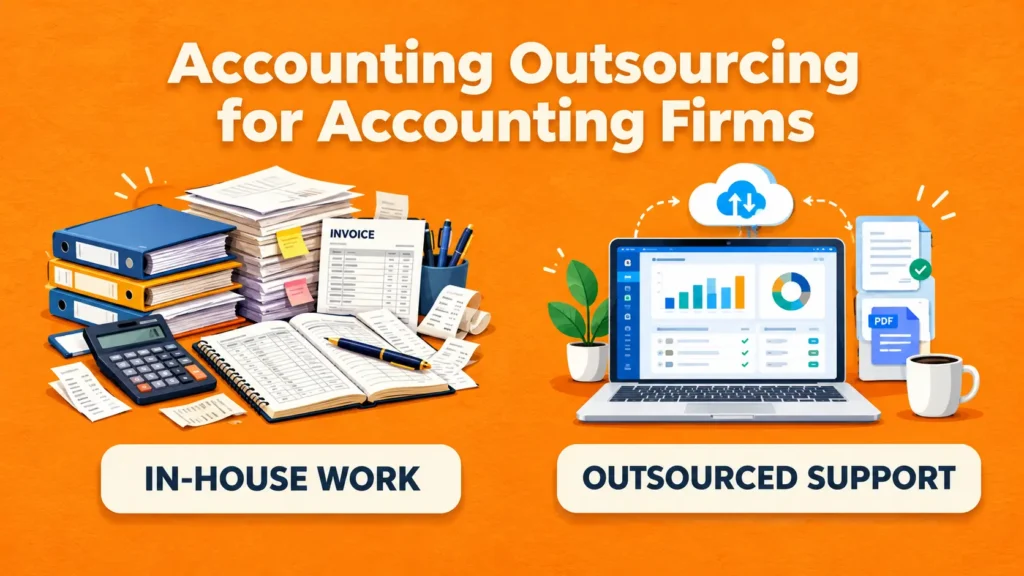
Accounting firms often manage financial records for multiple businesses, each with different transaction volumes, deadlines and accounting requirements. Automation can help standardise routine tasks and make it easier to organise work across client accounts.For example, automated bank feeds and invoice capture can reduce the time required to process routine transactions. Accountants can then concentrate on reviewing unusual entries, investigating discrepancies, checking VAT treatment and preparing meaningful financial reports.
Automation can also support more consistent workflows for recurring bookkeeping, month-end reconciliations and client reporting.
For UK accounting firms, the aim should not simply be to process more transactions. It should be to combine technology with professional expertise to improve service quality, maintain accuracy and give clients better financial visibility.
Popular Accounting Software for Bookkeeping Automation in the UK
Several accounting platforms offer automation features that can support UK bookkeeping processes.
Xero
Xero provides cloud accounting features such as bank feeds, transaction reconciliation, invoicing and financial reporting. Its capabilities can help businesses organise routine bookkeeping tasks and maintain accessible financial records.
QuickBooks
QuickBooks offers accounting tools for recording transactions, managing invoices, tracking expenses and reconciling bank accounts. Available automation features vary by plan and configuration.
Sage Accounting
Sage Accounting provides tools for managing financial transactions, invoicing, bank reconciliation and reporting. Its features can support businesses looking to reduce manual bookkeeping work.
Choosing the right platform depends on transaction volumes, business requirements, existing systems, reporting needs and budget. Businesses should assess the available features before making a decision.
Challenges of Bookkeeping Automation and How to Overcome Them
Although automation can improve efficiency, implementing it without proper planning can create new problems.
Incorrect Transaction Categorisation
Automated rules may assign transactions to the wrong expense account or VAT category.
How to address it: Review transaction rules regularly and check unusual or high-value entries before finalising accounts.
Software and Integration Costs
Some automation features require paid subscriptions, additional applications or integration work.
How to address it: Identify the tasks that consume the most time and compare the expected benefits with the total implementation and subscription costs.
Data Security and Access Control
Financial records contain confidential business information. Poor access management can increase the risk of unauthorised access.
How to address it: Use strong authentication, assign appropriate user permissions, review access regularly and choose software with suitable security controls.
Staff Training and Adoption
Employees may find it difficult to adapt to new accounting systems or automated workflows.
How to address it: Provide practical training, document standard procedures and introduce automation gradually so employees understand how to review and correct the results.
Over-Reliance on Automation
Software cannot always interpret unusual transactions or understand the full business context.
How to address it: Maintain human oversight, perform regular reconciliations and seek qualified accounting advice when a transaction requires professional judgement.
How to Get Started with Bookkeeping Automation in the UK
Businesses do not need to automate every accounting task at once. A gradual approach can make the transition easier and help demonstrate where automation provides the greatest value.
Step 1: Review your current bookkeeping process. Identify repetitive tasks, delays and areas where errors occur frequently.
Step 2: Choose suitable accounting software. Compare platforms such as Xero, QuickBooks and Sage against your business requirements.
Step 3: Connect relevant financial systems. Where appropriate, connect bank feeds, invoicing tools and expense management applications.
Step 4: Set up accounting rules carefully. Configure transaction categories, VAT codes and approval workflows according to your accounting procedures.
Step 5: Train your team. Ensure employees understand how to process transactions, investigate exceptions and maintain supporting documents.
Step 6: Review performance regularly. Monitor reconciliation accuracy, processing time, outstanding invoices and the quality of financial reports.
By following these steps, businesses can introduce automation in a controlled way while maintaining responsibility for their financial records.
Conclusion: The Future of Bookkeeping Automation in the UK
Bookkeeping automation is making financial administration more efficient for UK businesses and accounting firms. From automated transaction recording and bank reconciliation to invoice processing and financial reporting, technology can reduce repetitive work and improve access to financial information.
However, successful automation requires more than choosing accounting software. Businesses need accurate data, suitable processes, trained staff and regular financial reviews to ensure that their records remain reliable.